How do I set up a custom domain for my links?
Custom domains let you share links from your own address (like docs.yourcompany.com) instead of the default linkjar.to link.
Setting it up
-
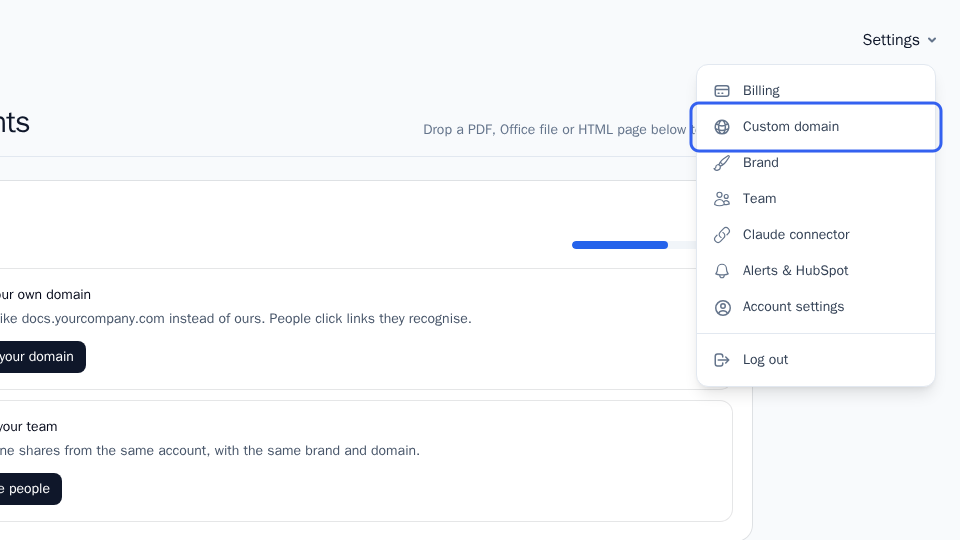
Click Settings.
-
Click Custom domain.
-
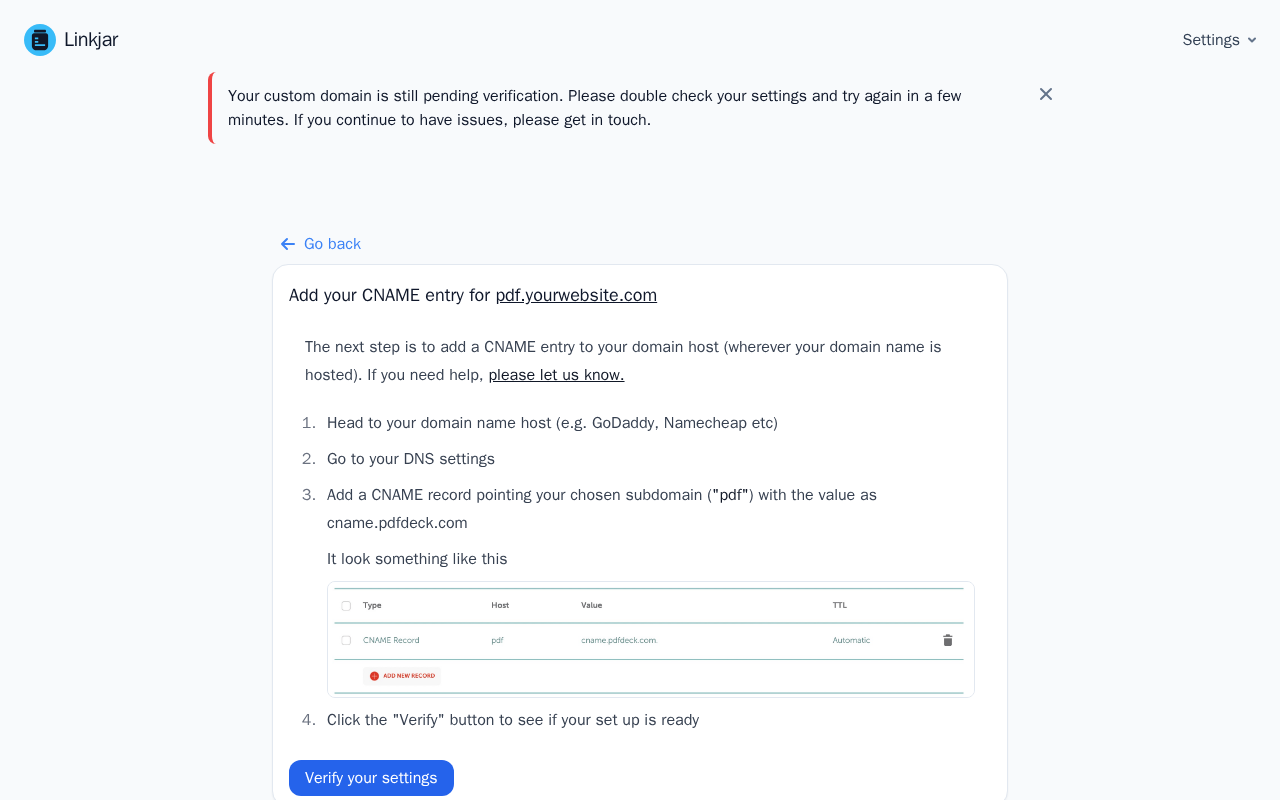
Add the domain you want to use, then follow the instructions shown for the CNAME record to add at your domain host.
-
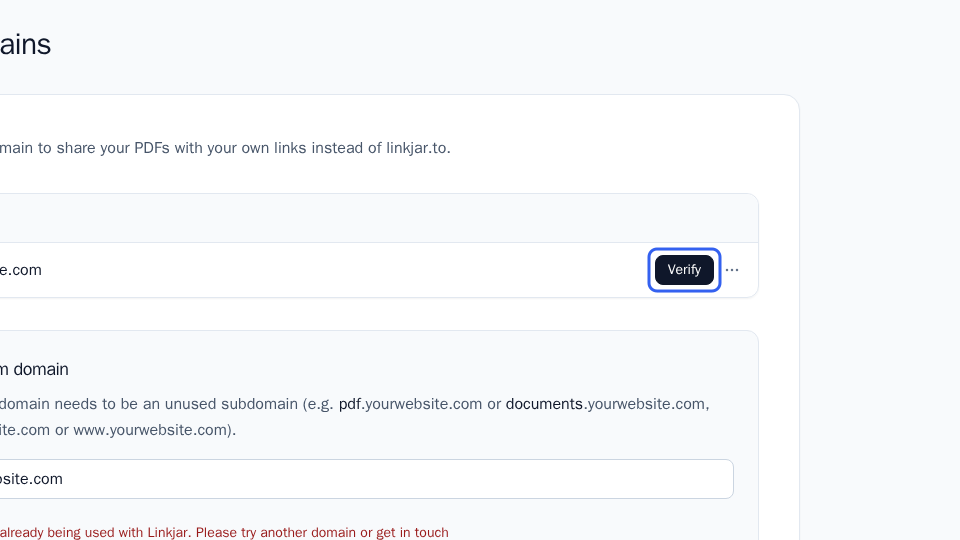
Once you've added the CNAME record at your domain host, click Verify next to your domain.
If verification doesn't complete right away
If your CNAME record matches what's required but the domain still shows as pending after clicking Verify, this is usually just DNS propagation, which can take a while depending on your domain host. There's nothing more to do in Linkjar at this point: wait a bit and come back to click Verify again.
If it's still pending after a few hours, email us a screenshot of your CNAME entry and we'll take a look.
More in Sharing documents
Can’t find what you need?
Ask a question in your own words, and get an answer from these articles or from the team.