How do I restrict a link to one company or person?
You can restrict any Linkjar link to a specific company, person, or time window, so only the right people can open it, and you can switch access off whenever you like.
What you can control
Linkjar lets you secure a link with:
- Email domain restriction, so only people with an address at a given company (for example, only
@globex.comaddresses) can open it. - A single recipient link, created for one specific person.
- An expiry date, after which the link stops working.
- Downloads switched off, so viewers can read the document but not save a copy.
- Passwords, for an extra layer of protection.
- A full off switch, letting you disable any link at any time, even after it's been sent.
Steps to restrict a link
-
Create or open the link for your document, deck or proposal.
-
Set the access rule you need, such as restricting it to emails at one company's domain, or limiting it to one named person.
-
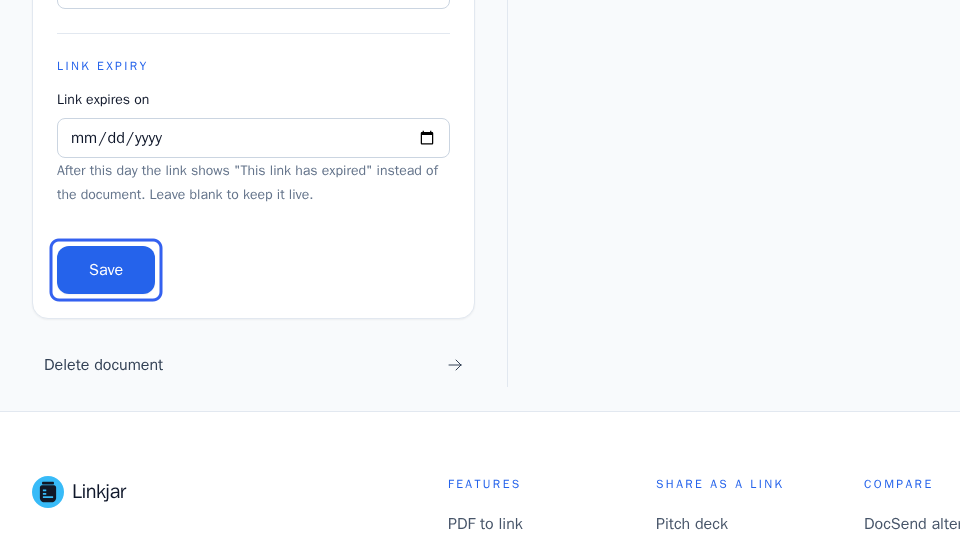
Add an expiry date if the link should stop working after a certain point.
-
Turn downloads off if you only want people to view the document, not download it.
-
Save your settings. The link is now locked down to the access you chose.
You can change or turn off any of these controls later, including switching the link off completely if you no longer want it accessible.
More in Security and access
Can’t find what you need?
Ask a question in your own words, and get an answer from these articles or from the team.