How do I share a PDF as a link?
To share a PDF as a link, just upload it to Linkjar. You'll get a shareable link right away, no sign-up needed.
Steps to share your PDF as a link
-
Click the Drag & drop a document or web page area and choose your PDF. 
-
Optionally type a custom slug in Link.
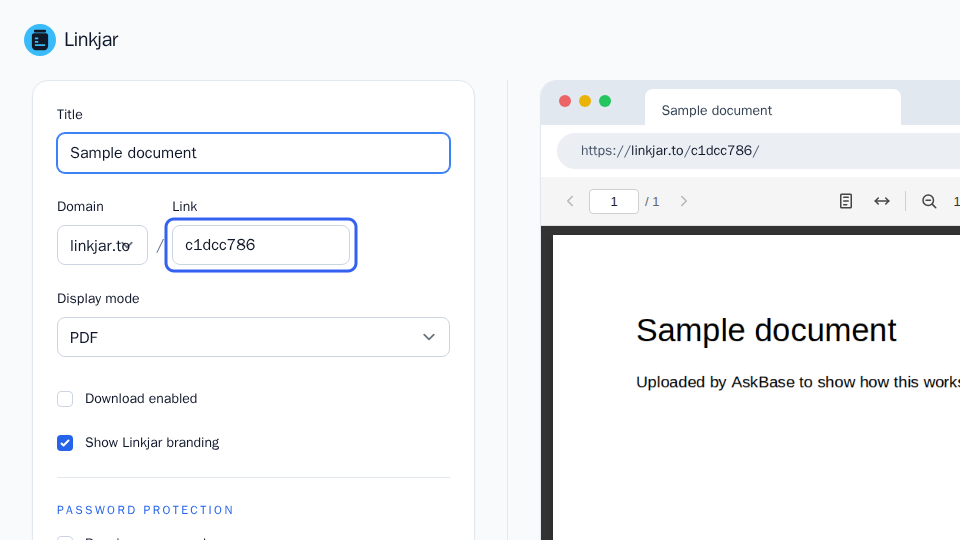
-
Click Save.
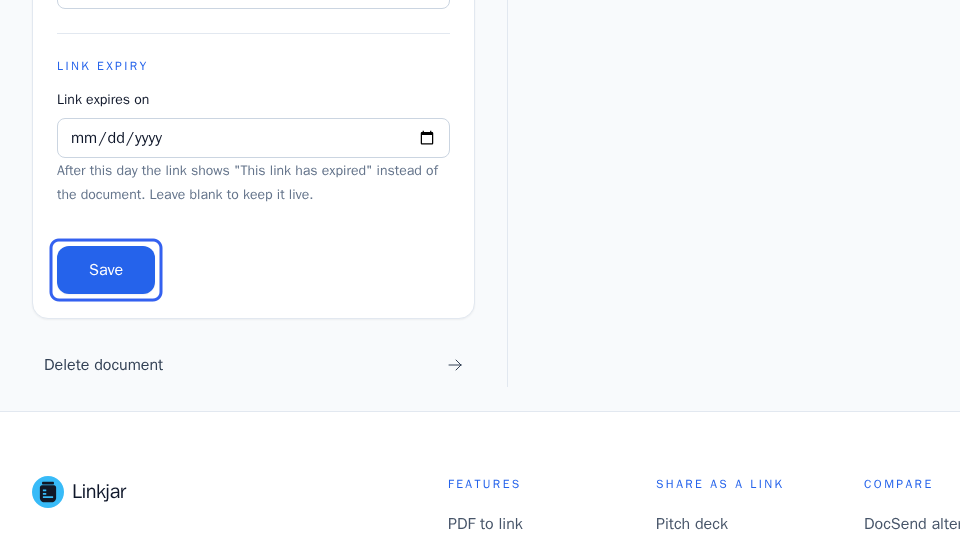
Your link is now live. Copy it and send it anywhere: email, Slack, SMS, LinkedIn, or a docs page. Your recipient clicks the link, the PDF opens in their browser, and there's nothing to download or install.
More in Getting started
Can’t find what you need?
Ask a question in your own words, and get an answer from these articles or from the team.